Turn photos, documents, and voice notes into structured knowledge you can search, chat with, and export.
Whether it's a meeting recording, a PDF report, or a photo of a whiteboard—our AI analyses, structures, and connects it all.
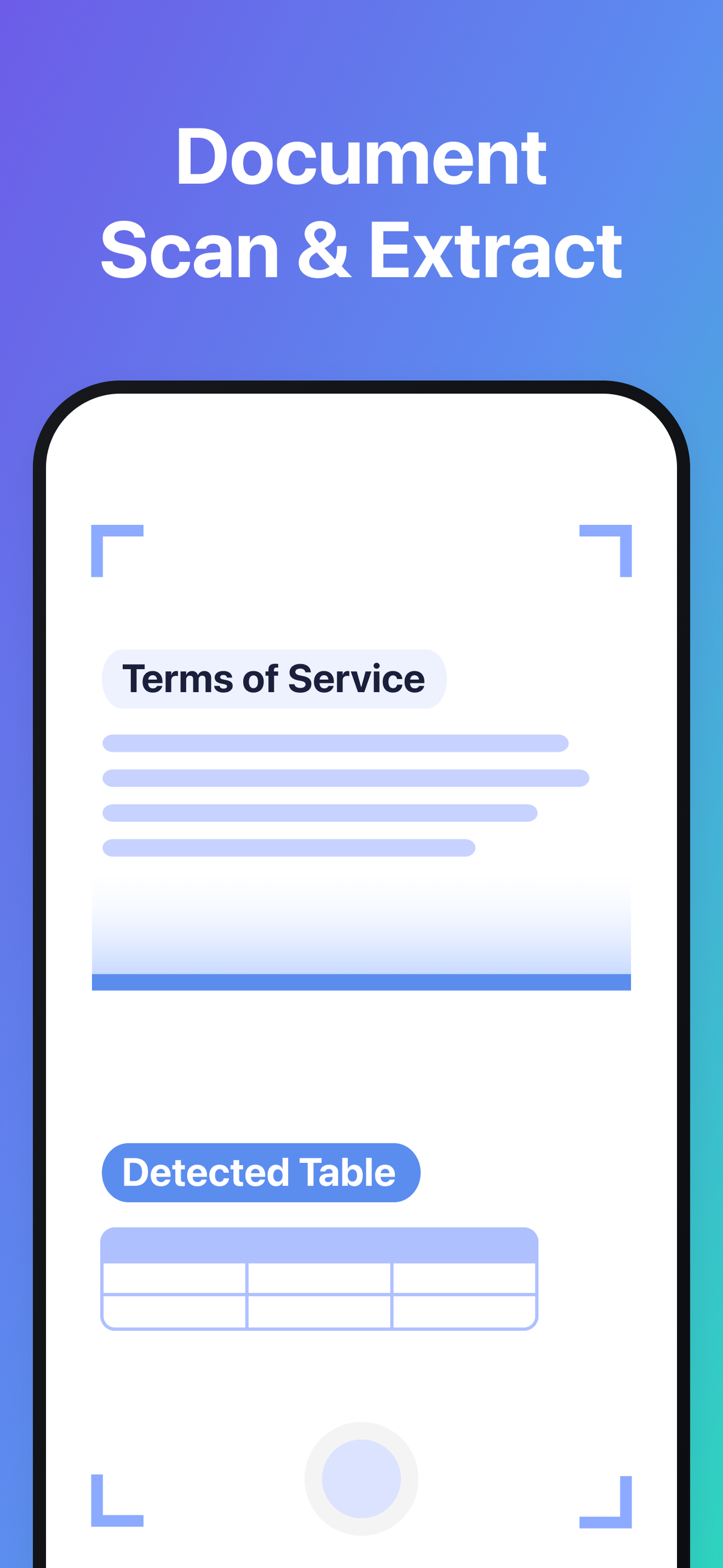
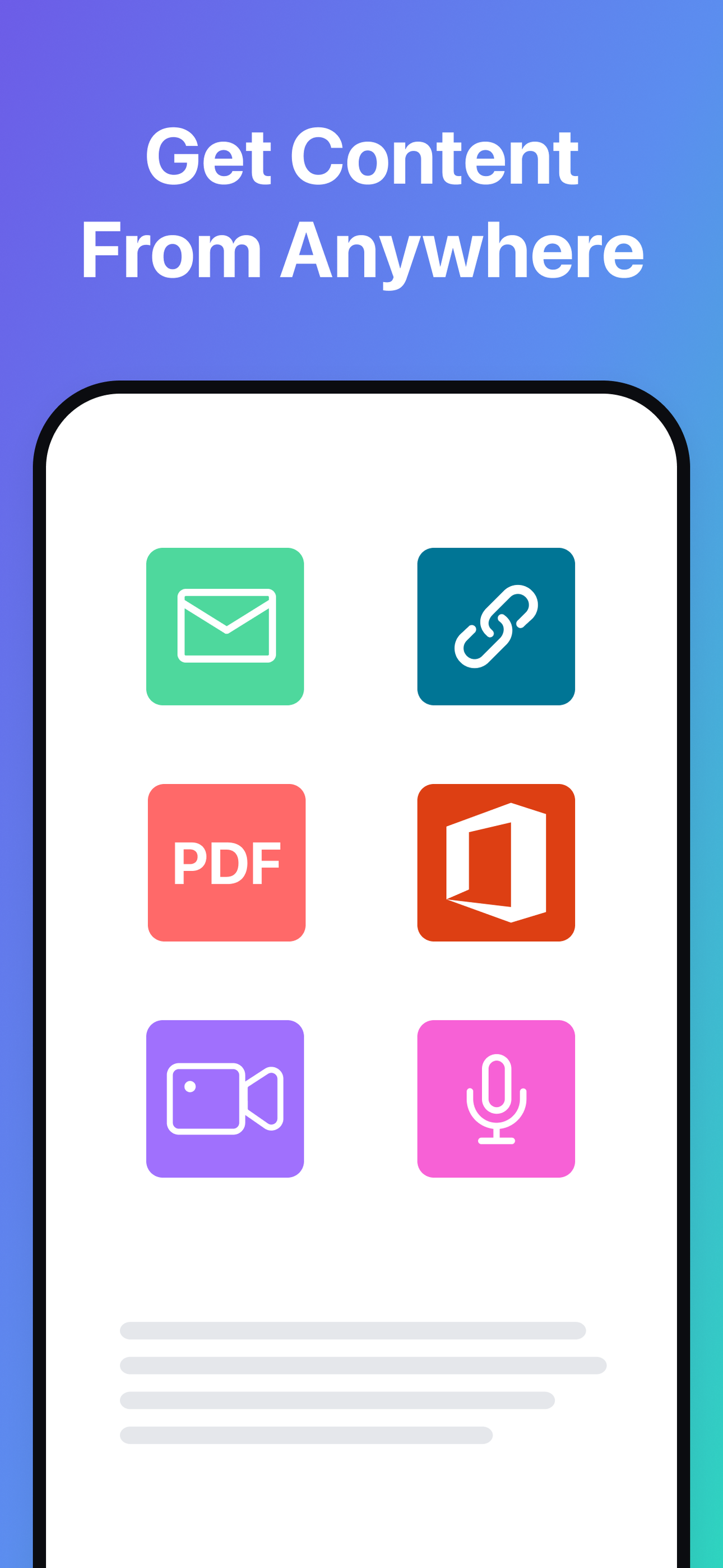
Scan documents, import PDFs, Word, Excel, and PowerPoint files. Save web links and record voice notes. Advanced OCR extracts printed text, handwriting, and even LaTeX formulas.
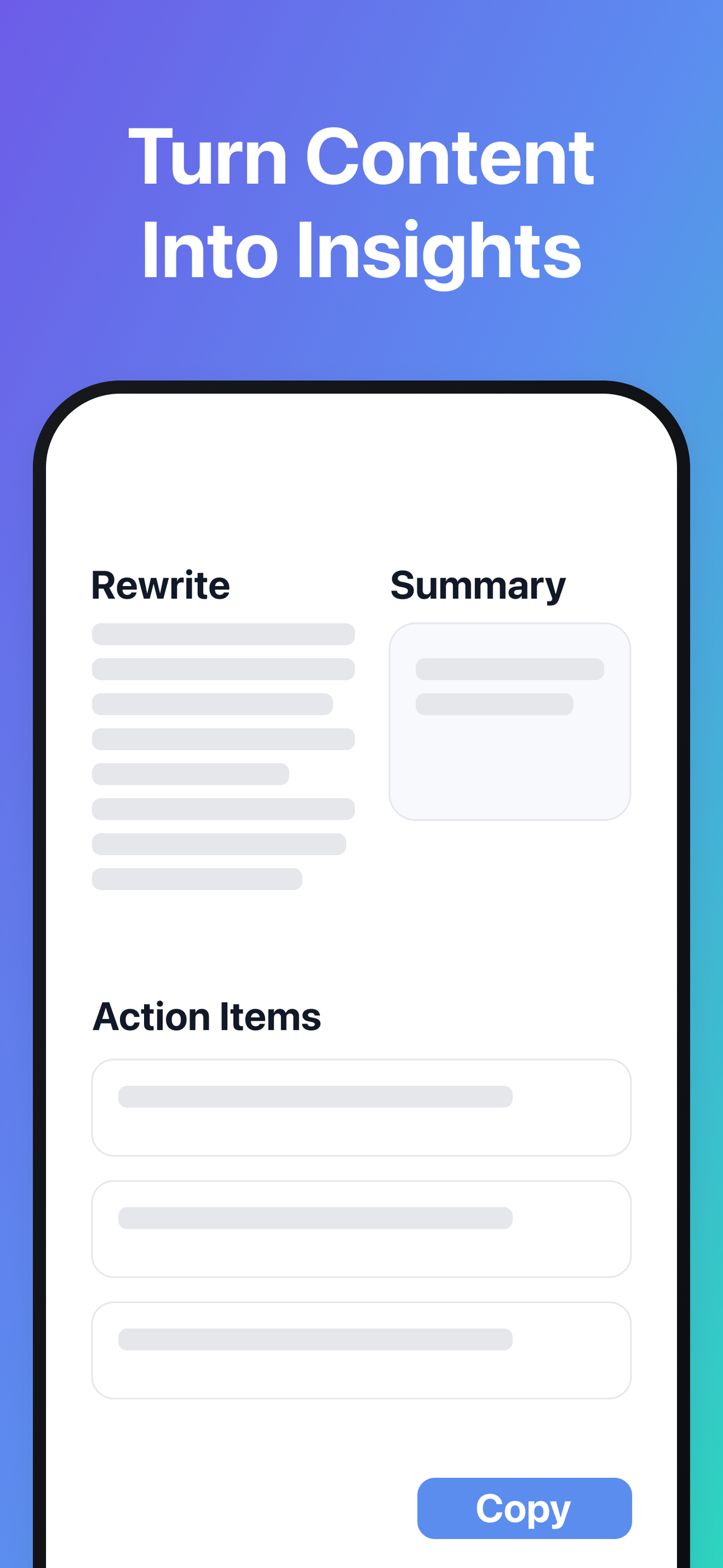
Automatically generate summaries, action items, mind maps, and outlines. Table Parser pulls tables into clean CSV files. Smart tagging auto-organises your content by topic, person, project, and date.
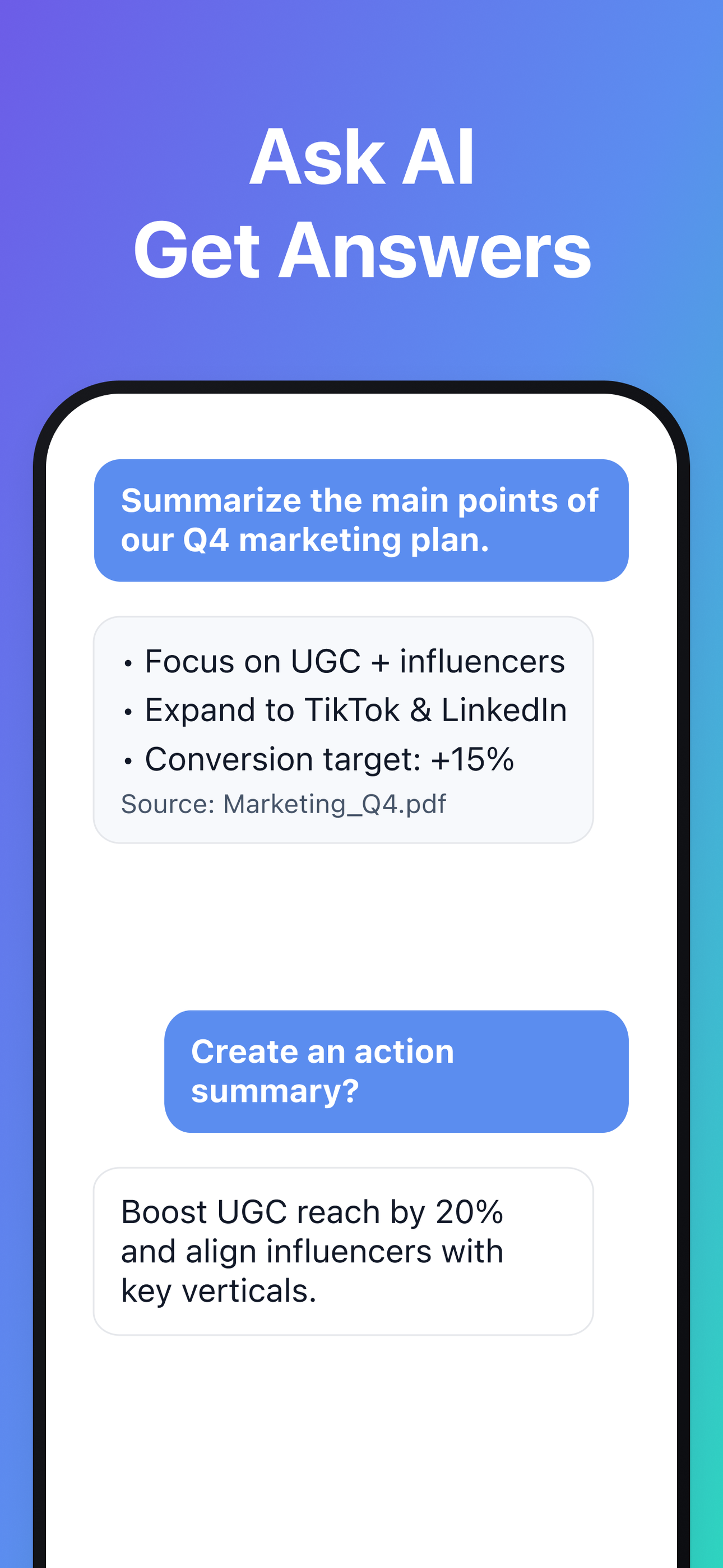
Ask questions across your entire knowledge base and get instant answers grounded in your own materials. Attach specific documents for focused, contextual conversations.
Export to PDF, DOCX, TXT, HTML, Markdown, CSV, or XLSX. Generate shareable webpages and charts. Your knowledge base syncs seamlessly across mobile and web.
Spend less time on repetitive tasks and more time on what matters.
Extract text from photos, documents, and PDFs with OCR. Transcribe voice notes and meetings automatically.
Translate and summarise long content in seconds. Pull out action items and key details without reading everything.
Export notes to PDF, DOCX, TXT, HTML, or Markdown. Export tables to CSV or XLSX. Share webpages and mind maps.
Whatever your role, discover how DoMore adapts to your workflow.
Capture every detail and decision with real-time meeting transcription.
Convert whiteboard handwriting into clear, editable digital documents with one click.
Instantly turn recordings into summaries, action items, and mind maps.
Pull data from multiple sources into your knowledge base for clearer, faster decisions.
Scan blackboards to automatically convert complex formulas into editable LaTeX.
Record lectures and let AI break down complex topics for focused review.
Extract core arguments and evidence from papers to speed up reading.
Ask your knowledge base for key review points and summaries.
Snap photos to build a searchable "Second Brain" of creative assets.
Extract core requirements from scattered documents and chats to clarify client briefs.
Resurface past work to spark new ideas and get back into your creative flow.
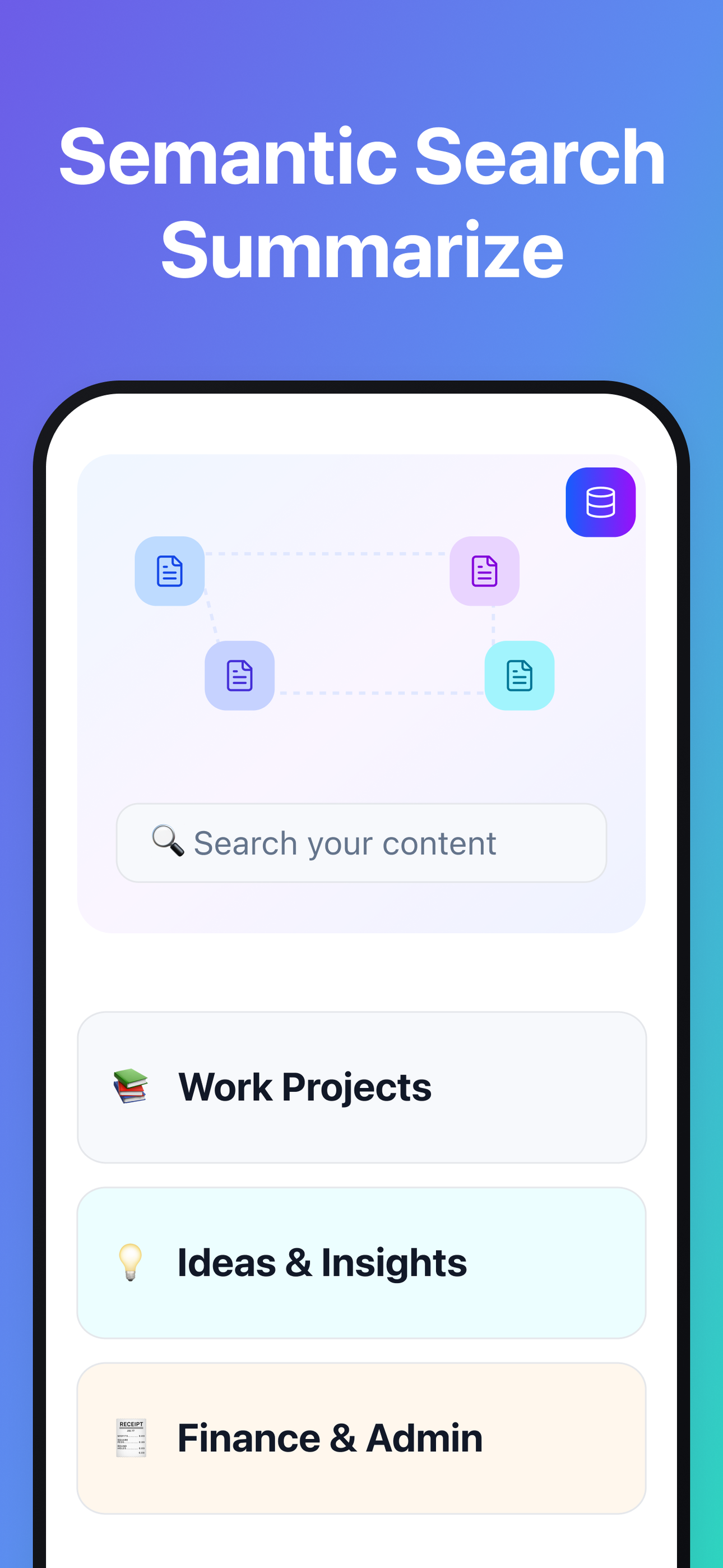
Auto-link scattered notes into a searchable knowledge graph.
Instantly convert spoken ideas into editable text, wherever you are.
Discover fresh hooks and topic angles from your personal library.
Generate drafts in your unique style using your saved content as context.
Auto-summarise case facts and flag contradictions across evidence.
Clarify complex logic and see the full picture with auto-generated mind maps.
Snap photos of landmarks for instant translation and cultural context.
Capture spontaneous moments to create a vivid travel journal.
Keep all bookings in one place and get instant answers about your schedule.
Your data is encrypted in transit and at rest. We never share, sell, or use your content to train AI models.
When you use AI features, your data is only used to handle your request—never for model training or sharing with third parties.
You decide what gets saved. Access, export, or delete your data at any time. Once deleted, it's permanently removed.
Unlike traditional note-taking apps, DoMore captures information from the real world and organises it so you can actually use it later. It turns almost anything—blackboard formulas, meeting recordings, printed tables, research documents, and web links—into a searchable, interactive knowledge base you can ask questions about.
DoMore is built for anyone who deals with large amounts of complex information—formulas, tables, slides, long documents—and wants a faster way to capture, review, and find it later. It's especially useful for students, researchers, and professionals in technical fields.
Yes. With Smart Scan & OCR, DoMore can recognise printed text and handwriting from paper documents and notes, converting them into editable digital text.
You can import PDF, Word, Excel, and PowerPoint files, and save web links. You can also record audio using your microphone or upload audio/video files for transcription.
DoMore can recognise formulas and convert them to LaTeX, so technical content stays clear, editable, and easy to review.
Yes. The Table Parser detects tables in images or PDFs and exports them as clean, editable CSV files (which you can open in Excel), so you don't have to retype data manually.
No need to search manually. With Conversational Search, you can ask questions in plain English and get answers based on your own content.
Not at all. DoMore automatically extracts key entities—people, projects, topics—so you can browse by project, date, or topic without managing folders yourself.
Yes. DoMore supports exporting to common formats such as Markdown, PDF, DOCX, TXT, and HTML. Tables can be exported to CSV or XLSX. You can also generate mind maps from your content.
Yes. Your knowledge base syncs across mobile and web, so your content is available wherever you work.
Absolutely. Your data is encrypted in transit and at rest. We never share, sell, or use your content to train AI models. All your data is stored securely and accessible only by you. You can delete your data at any time.
Download DoMore and turn information into knowledge.

 DoMore